How to Securely Store NDIS Case Notes and Participant Data
Learn how NDIS providers can securely store case notes and participant data with encryption, access controls, audit trails, and structured documentation workflows.
· MyCaseNote
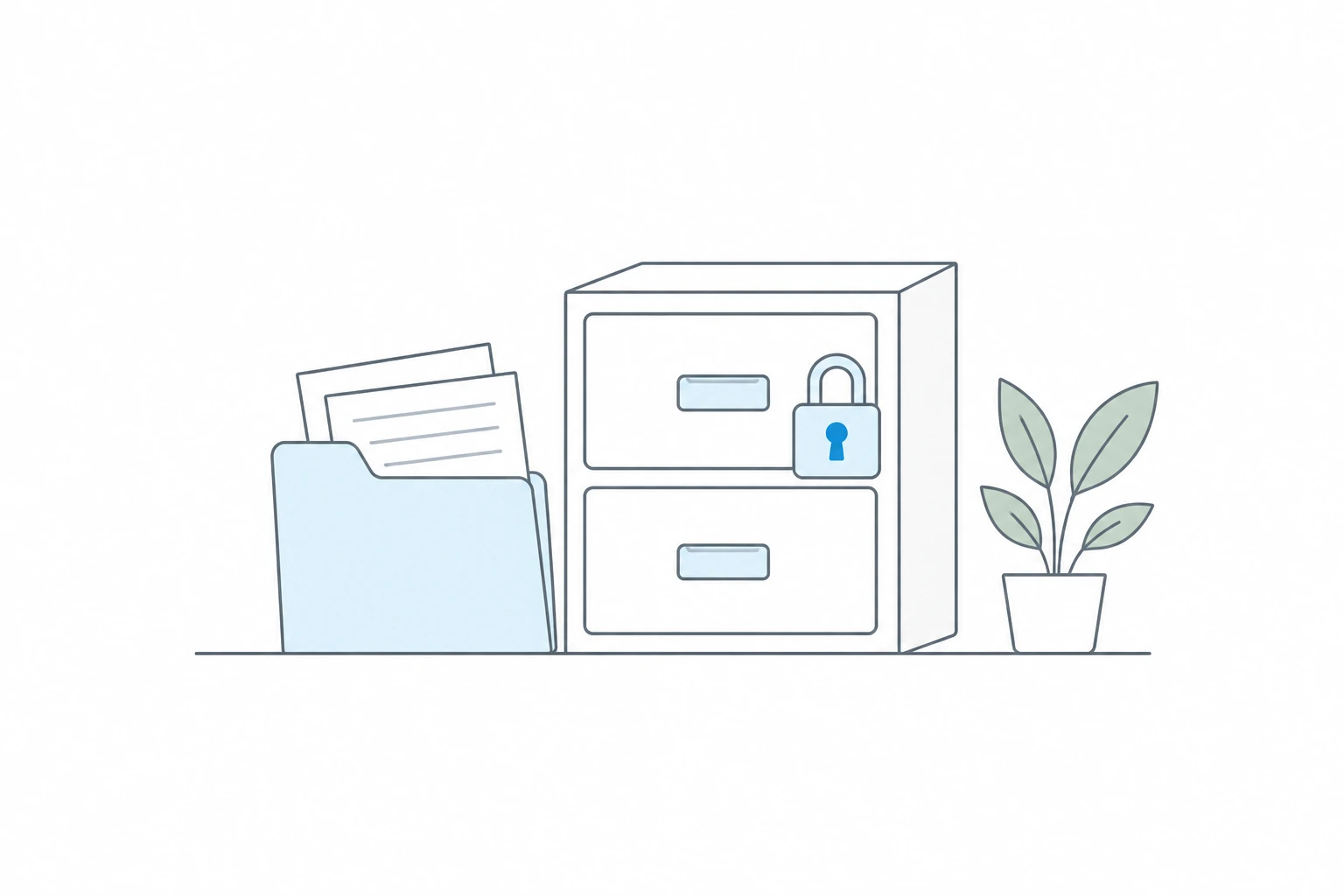
Support workers and NDIS providers handle incredibly sensitive information every day.
Case notes often contain:
- Participant health information
- Behavioural observations
- Medication details
- Support incidents
- Addresses and contact information
- Personal goals and family circumstances
Because of this, securely storing participant data is no longer optional. It is essential.
Yet many providers still rely on:
- Word documents
- Shared drives
- Email chains
- Handwritten notes
- Generic note-taking apps
These systems were never designed for sensitive participant information.
In this guide, we will explain why secure NDIS case notes matter, the biggest risks providers face, what encrypted case notes actually mean, and what to look for in secure case note software.
If you are reviewing your current documentation setup, it is also worth comparing this guide with our NDIS progress notes requirements article and the MyCaseNote feature page for encrypted case notes.
Why Participant Data Security Matters
NDIS providers are trusted with highly personal information.
If participant data is exposed, lost, or accessed by the wrong person, the consequences can be serious:
- Loss of participant trust
- Reputational damage
- Operational disruption
- Privacy concerns
- Staff accountability issues
Even smaller providers are not immune to security risks.
In fact, smaller teams are often more vulnerable because documentation processes are less structured and staff may use personal devices or informal systems to record notes.
Security should support the same day-to-day workflow staff already use for NDIS progress notes software, participant management, and review processes.
Common Ways Participant Data Becomes Vulnerable
1. Notes Stored in Word Documents
Local files can easily be:
- Copied
- Emailed
- Lost
- Accidentally shared
There is often no visibility into who accessed or edited them.
2. Shared Logins
Some providers use shared accounts for convenience.
This creates major accountability problems because actions cannot be tied back to individual staff members.
If a provider needs better accountability, role-based access control and case note audit trails are usually better long-term foundations than shared passwords.
3. Sending Notes Through Email
Email is one of the most common causes of accidental information exposure.
A single mistyped email address can send participant information to the wrong person instantly.
For a deeper look at this risk, read our guide on why emailing case notes is riskier than most providers realise.
4. Generic AI Tools
Many providers are experimenting with AI tools to help write documentation.
However, not all AI tools are designed for sensitive participant information.
Before entering participant data into any platform, providers should understand:
- Where the data is stored
- Who can access it
- Whether sensitive information is encrypted
- Whether data may be used for AI training
We cover this in more detail in Are AI Case Notes Secure? What NDIS Providers Should Know.
What Are Encrypted Case Notes?
Encryption protects information by converting it into unreadable data unless the correct permissions or keys are available.
In simple terms:
- Without encryption, stored data may be readable if accessed improperly.
- With encryption, stored data is significantly harder to interpret without authorised access.
Encryption helps add another layer of protection for participant information.
In MyCaseNote, encrypted case notes means case note content and sensitive participant fields are protected as part of a wider security approach that also includes secure authentication, access controls, audit trails, and documented security practices.
What Secure Case Note Software Should Include
Role-Based Access Control
Not every staff member should have access to every participant.
A secure system should allow providers to control who can view or manage information.
MyCaseNote supports staff access control for NDIS providers, including roles, participant restrictions, and service stream permissions.
Audit Trails
Providers should be able to see:
- Who created notes
- Who edited notes
- When changes occurred
This improves accountability and transparency.
See how this works in NDIS audit trail software.
Secure Authentication
Strong passwords and secure login systems reduce the risk of unauthorised access.
For teams that want another layer of account protection, self-serve MFA lets users enable authenticator-app MFA from their profile settings.
Encrypted Participant Data
Sensitive information should be encrypted to help protect participant privacy.
Encryption is not the only security control that matters, but it is an important layer for secure case note software.
Structured Documentation Workflows
A structured system reduces the chance of:
- Lost documentation
- Duplicated notes
- Inconsistent record keeping
Structured workflows also make it easier to use case note approval workflows and maintain clearer records over time.
How MyCaseNote Approaches Participant Data Security
At MyCaseNote, case note content and sensitive participant fields are encrypted to help providers securely manage sensitive information.
The platform also includes features designed to support secure documentation workflows, including:
- Role-based access control
- Audit trails
- Approval workflows
- Structured case note management
- Participant management
- Self-serve MFA
Our goal is to help providers simplify documentation while maintaining strong participant data protection practices.
You can also review the MyCaseNote Privacy Policy and Security page for more detail on the platform's security posture.
Final Thoughts
As digital documentation becomes more common across the NDIS sector, secure participant data storage is becoming increasingly important.
Providers should carefully evaluate how case notes are stored, shared, and accessed, especially when using modern cloud or AI-powered tools.
Security and convenience should work together, not against each other.